LinkedIn, autopilot plans & global schedule
Connect your LinkedIn account, let AI create complete content plans, and see all your content across every campaign in one calendar.
Plan, publish, and manage – all in one place.
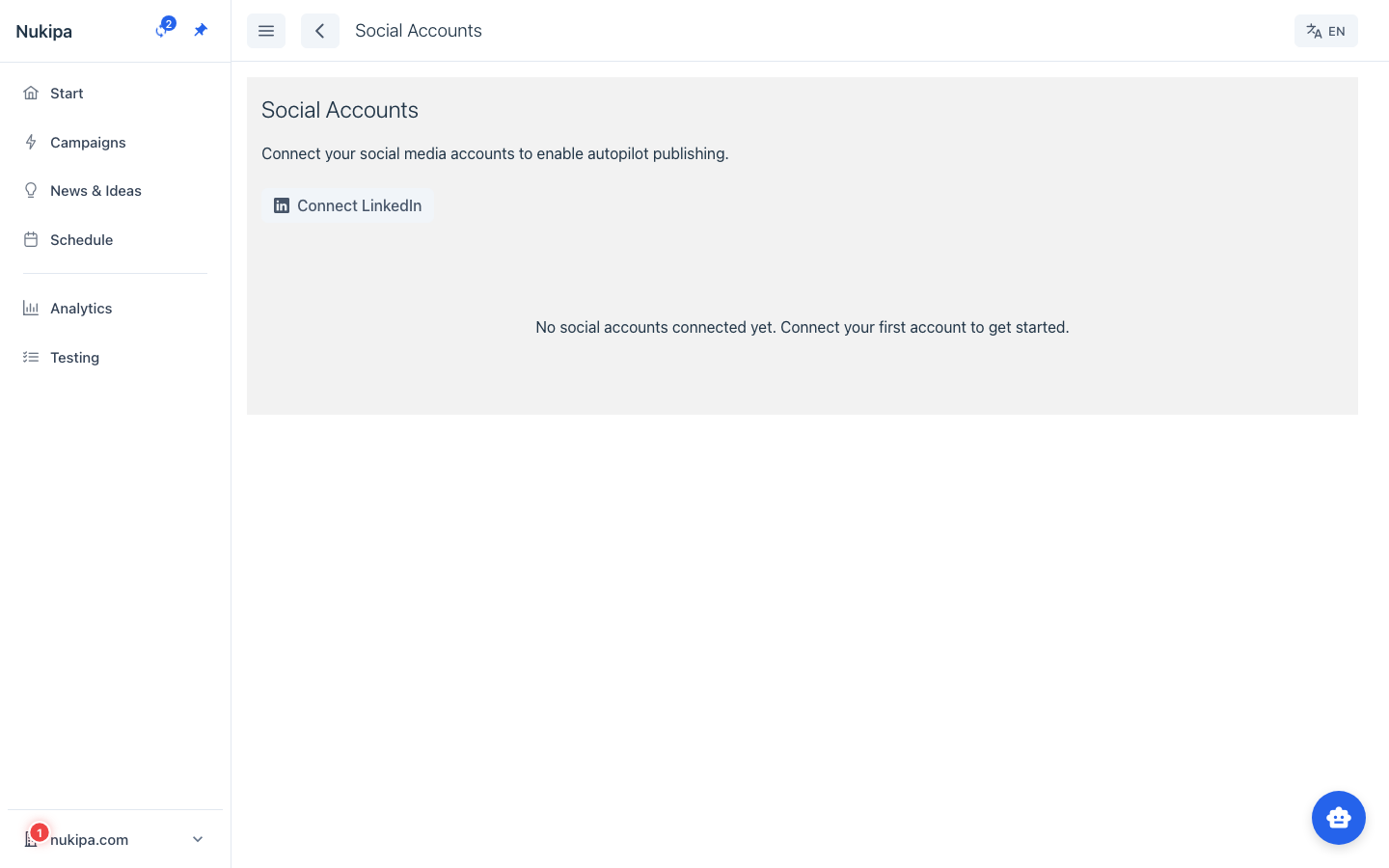
Connect your LinkedIn account
Link your LinkedIn profile or company page via OAuth. Publish social media posts directly from Nukipa – immediately, scheduled, or fully automated via autopilot.
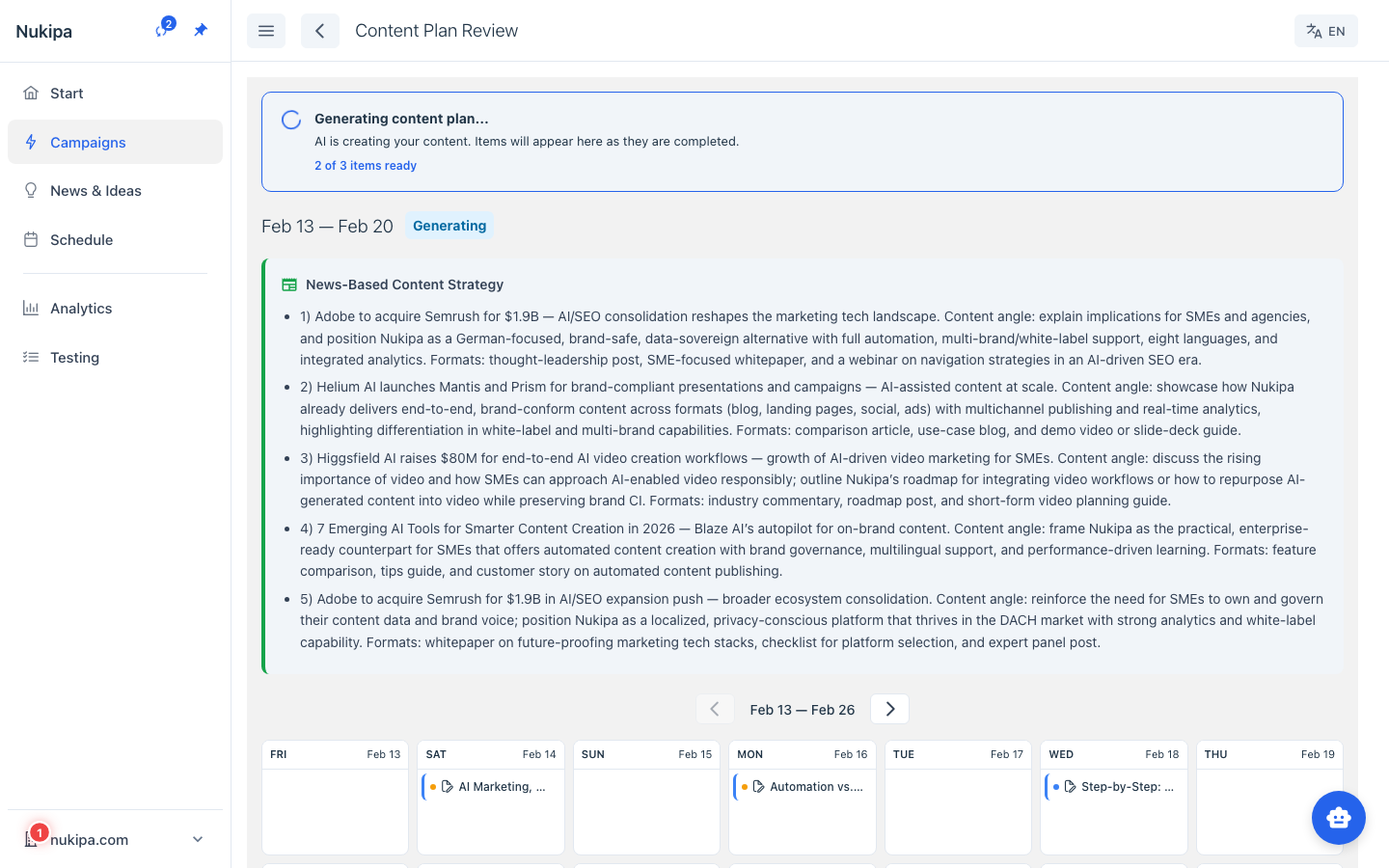
Content plans on autopilot
Set how often you want to publish blog and social media posts. The AI creates a complete content plan with titles, descriptions, and schedule. Review everything in the timeline, approve in one click – or let the AI handle it all.
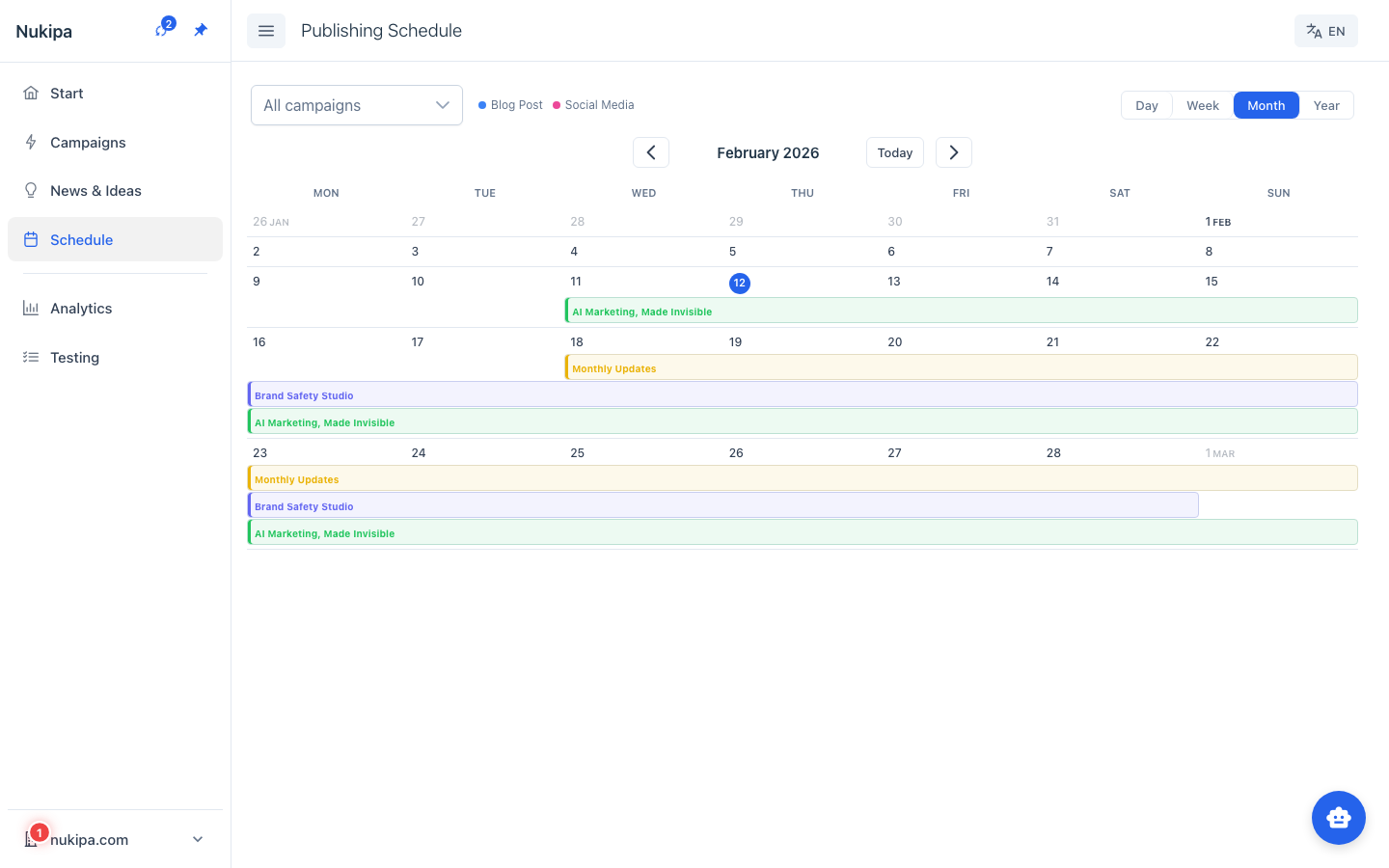
All your content in one calendar
See all upcoming and published content across every campaign in one calendar view. Toggle between week and month views and plan content for the entire year – including conferences, product launches, and seasonal events.
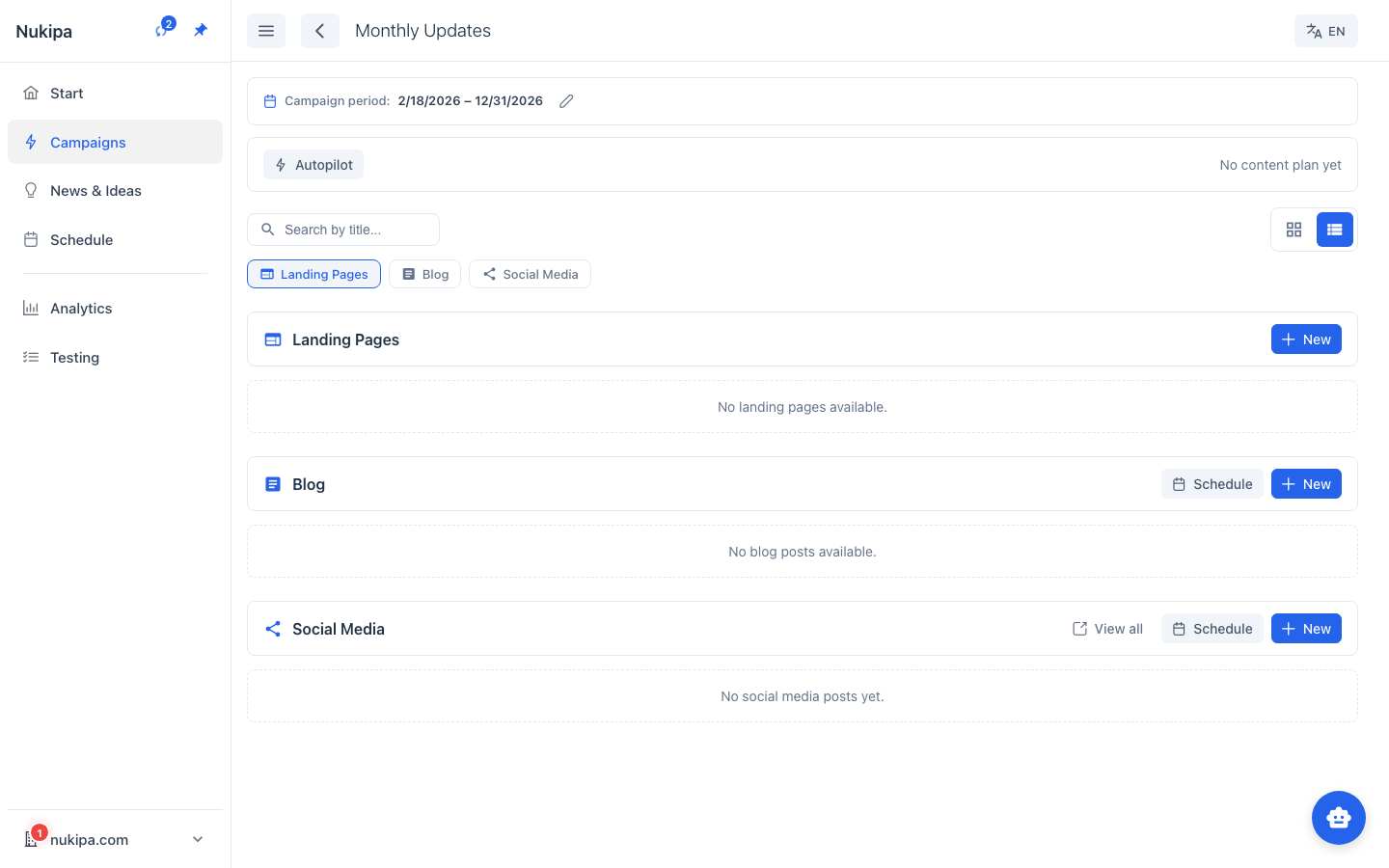
Social media inside your campaigns
Social media content is now integrated directly into each campaign. Manage social posts alongside blog articles and landing pages – all in one view.
Frequently Asked Questions
Which LinkedIn accounts can I connect?
You can connect both your personal LinkedIn profile and your company page. The connection is made securely via OAuth.
What exactly does autopilot do?
You set how often you want to publish blog and social media posts per week or month. The AI then automatically creates a complete plan with titles, descriptions, and schedule. You can review everything or let the AI work fully automated.
Can I manually plan content in the calendar?
Yes, you can add your own events like conferences, product launches, or seasonal campaigns to the calendar and plan content around them.